Forge your
Path to profit
ProfitForge is a professional cryptocurrency trading terminal,
built by traders for traders.
ProfitForge is a professional cryptocurrency trading terminal,
built by traders for traders.
Our platform supports more than 11 popular cryptocurrency exchanges.
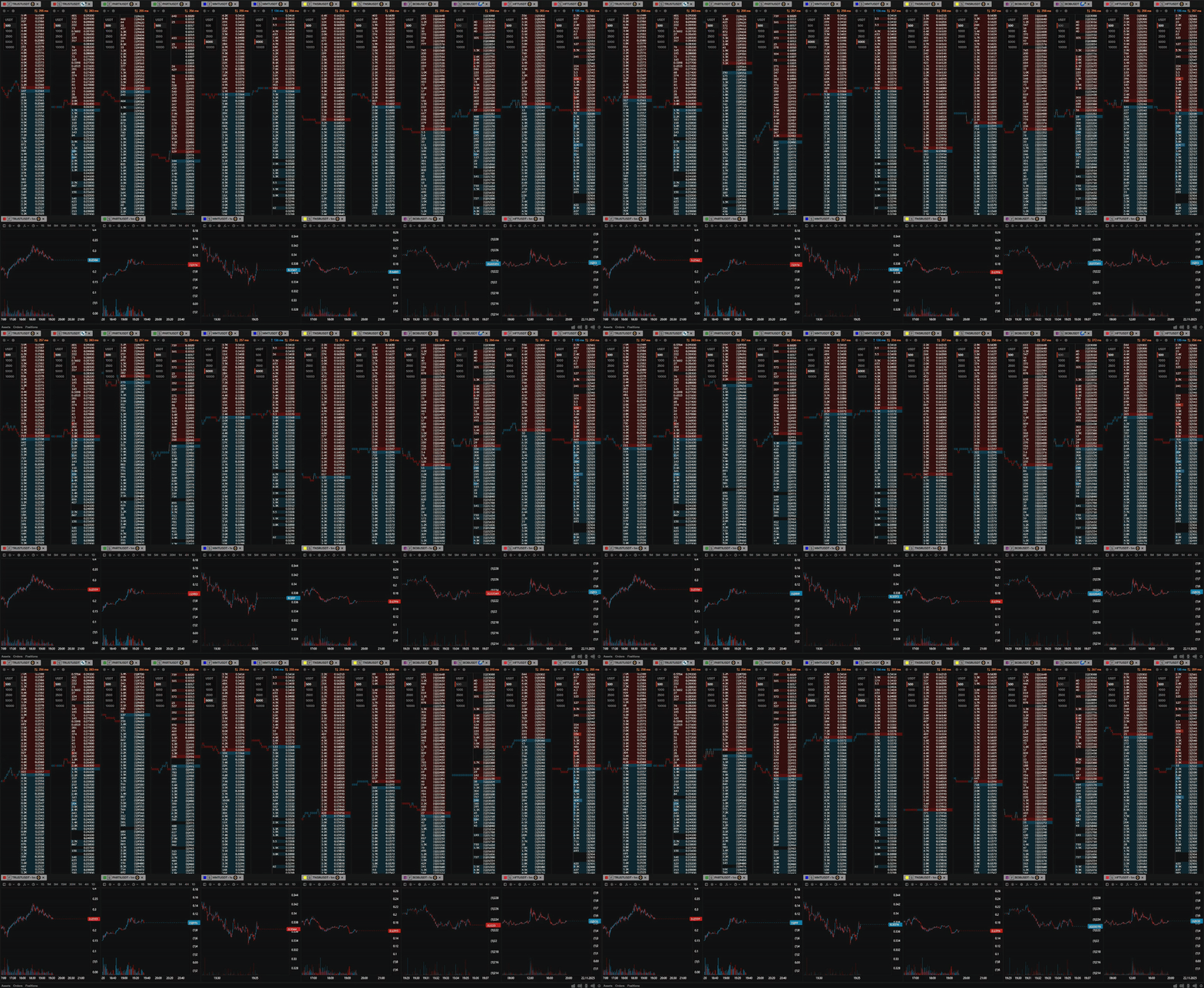
Our order books are built for maximum convenience and speed: instant updates, auto-tuning, clean interface and precise liquidity visualization. Charts are highly responsive, support second-based timeframes and include a full drawing panel for basic analysis. A built-in set of key indicators allows you to quickly assess market conditions without overloading the screen with unnecessary tools.
On top of that, all platform tools can be synchronized with each other. When you switch a trading pair in one window, all linked modules automatically follow, creating a single, consistent workspace.
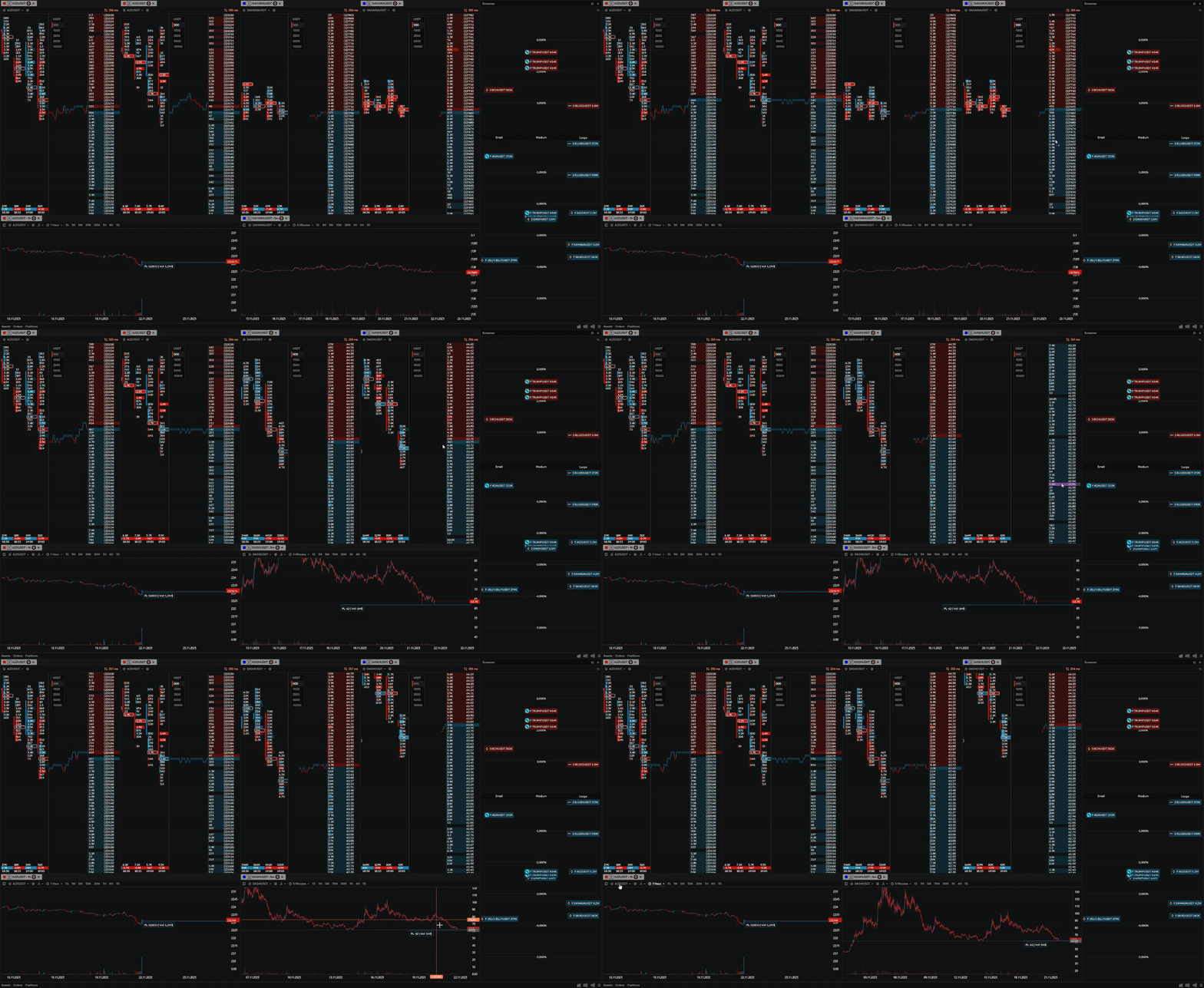
The liquidity screener helps you instantly find levels with large orders and see where liquidity is forming. Just drag the pair you’re interested in to the order book to immediately dive into detailed level analysis.
This approach makes searching for setups much faster: you see strong levels, potential entry points and the market’s reaction to volume long before price reaches the area.
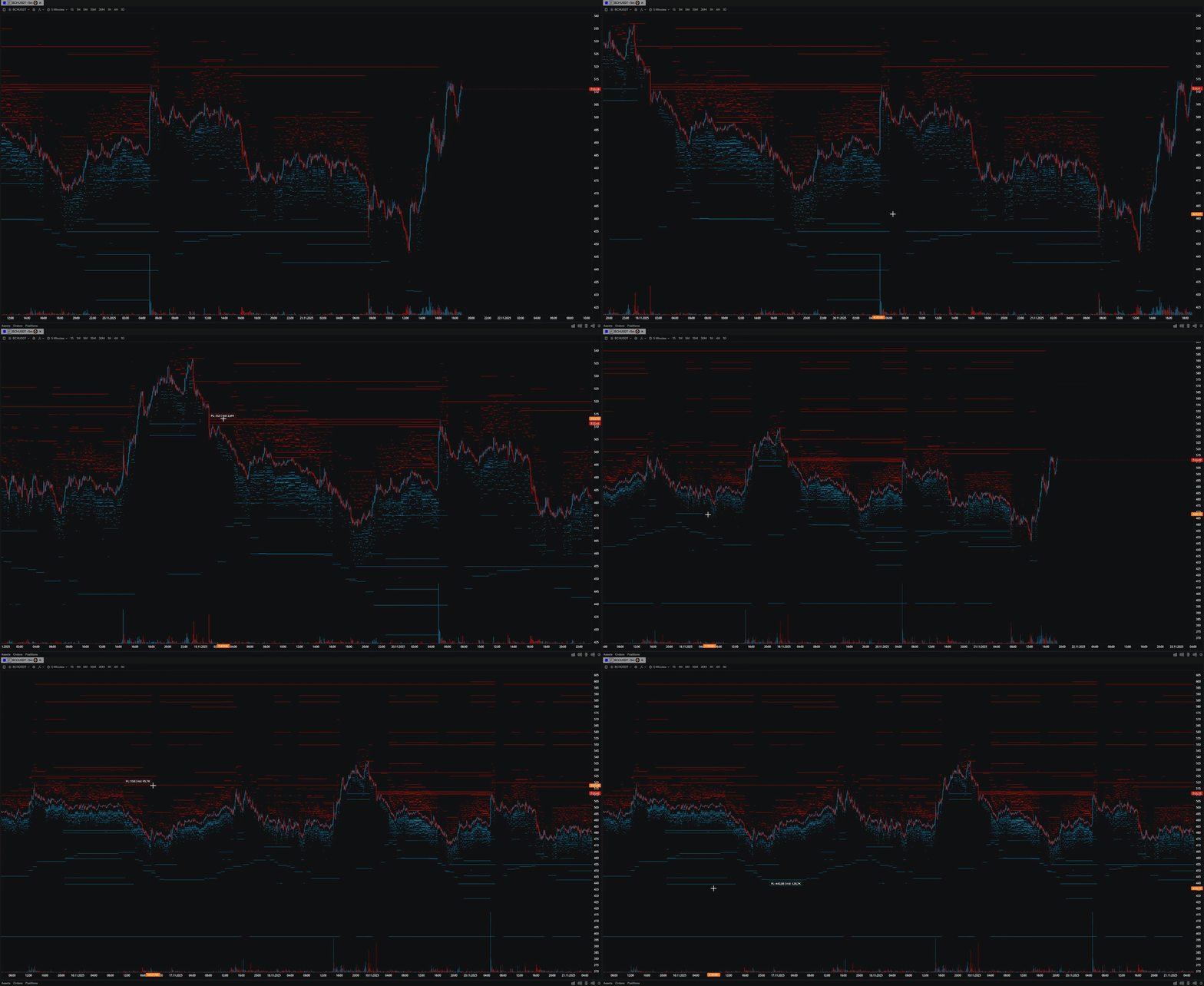
The heatmap on the chart shows real liquidity levels and the history of order accumulation in the order book. It helps you see zones where market participants concentrate interest: support and resistance levels, stop clusters and large resting orders that can reverse price or trigger impulses.
This lets you identify potential entry and exit points in advance, filter out false moves and make decisions based on actual liquidity rather than assumptions.
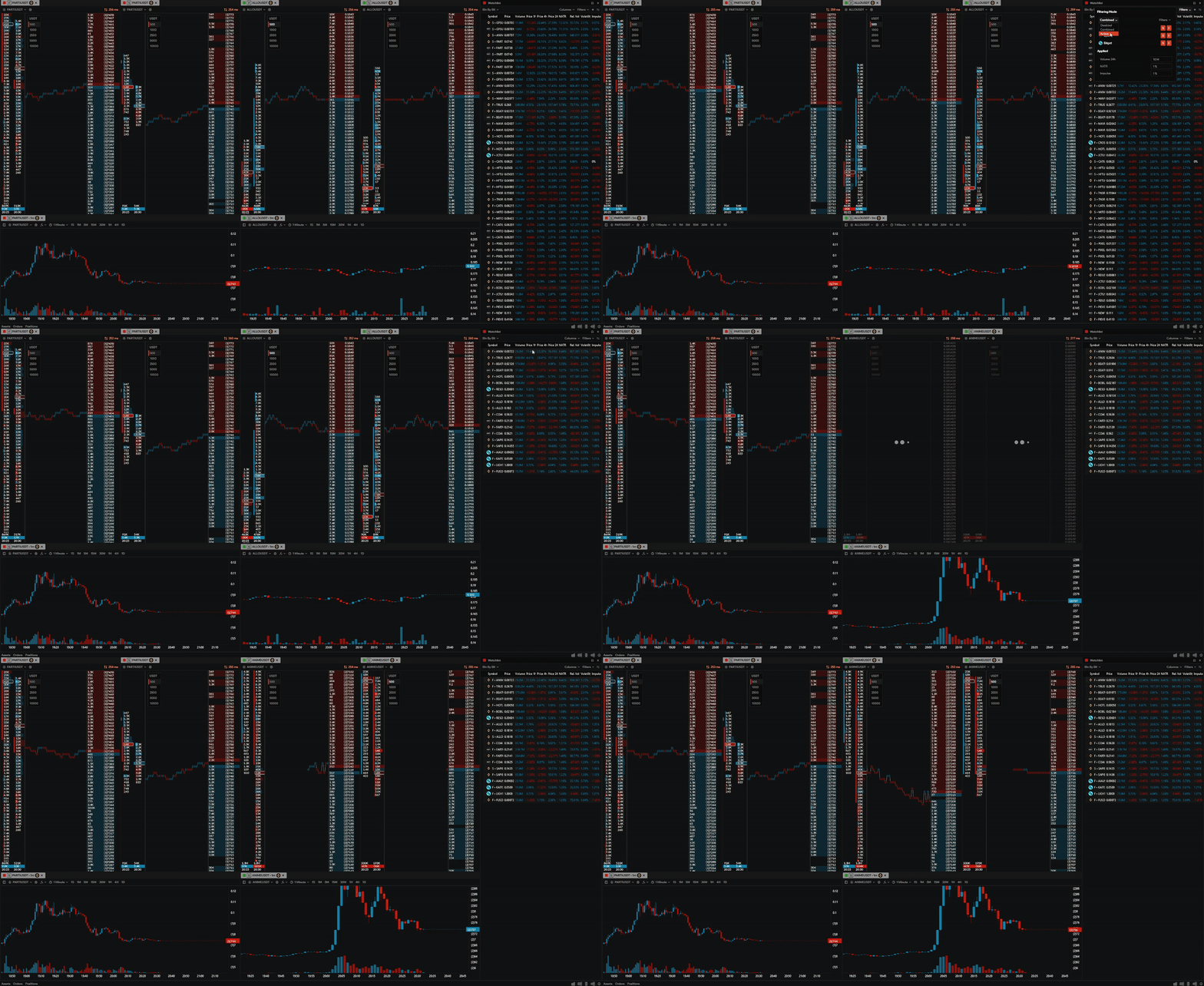
Our quotes module supports three filtering modes. With filtering disabled you see the full list of pairs without restrictions. The combined mode shows all pairs but highlights those that match your parameters. Active filtering leaves only instruments that strictly meet your conditions, giving you the most precise selection.
Quotes can be synchronized with any tools through the linking system: when you switch a pair, all linked windows update automatically. For even faster interaction, you can simply drag the desired pair to the order book, chart or any other module.
Basic set of tools for trading.
Full access to all tools and features.
* Available only for Binance, Bybit, Bitget, Gate, OKX, Mexc, Kucoin, Aster, Lighter, Hyperliquid

Version 1.6.0 • 207 MB • Updated May 28, 2026
 Fast installationLess than 3 minutes Auto-updateAlways up-to-date version SecurityAll files are antivirus-checked

Need help with installation? See the installation guide
Everything traders ask before starting with ProfitForge
ProfitForge is a professional cryptocurrency trading terminal built for intraday and active traders. It combines fast order books, advanced charts, a liquidity heatmap, a smart screener and synchronized quotes in a single workspace, helping you spot liquidity, strong levels and trading opportunities across multiple exchanges in real time.
Explore all trading toolsProfitForge supports 16 cryptocurrency exchanges in total. Full trading on spot and futures is available on Binance, Bybit, OKX, Bitget, MEXC, Gate.com and KuCoin. Market data and analytics are additionally available for Blofin, Bitmart, Phemex, Coinbase, Crypto.com, Kraken, Aster, Hyperliquid and Lighter — so you can monitor the broader market from a single workspace and switch between venues with one click.
Yes, ProfitForge has a free plan with access to the core terminal, order books, charts and basic tools. The Pro plan unlocks advanced features such as the liquidity heatmap, density screener, second-based timeframes, cluster history and parallel trading on multiple exchanges.
Compare Free and Pro plansYes, ProfitForge connects to exchanges through your personal API key. The terminal works locally on your computer — your keys are never sent to ProfitForge servers, and you choose which permissions (read, spot, futures) to grant when creating the key on the exchange.
Read the installation and API guideProfitForge runs natively on Windows 10 and Windows 11. The installer is lightweight, the terminal starts in seconds, and updates are delivered automatically. macOS and Linux versions are on the roadmap.
Download ProfitForge for WindowsThe liquidity screener is a real-time tool that scans the market across supported exchanges and shows pairs where price is approaching large resting orders. It highlights densities by size, lets you filter by minimum order volume and exchange, and supports drag-and-drop — pull the pair into the order book or chart to dive straight into detailed level analysis. This dramatically speeds up the search for trading setups and strong levels.
See the liquidity screener in actionA liquidity heatmap visualizes large resting orders directly on the chart and highlights zones with significant capital. Intraday traders use it to identify strong support and resistance levels, anticipate market reactions and time entries more precisely than with a plain order book or volume profile.
Try the heatmap on a free plan