Language
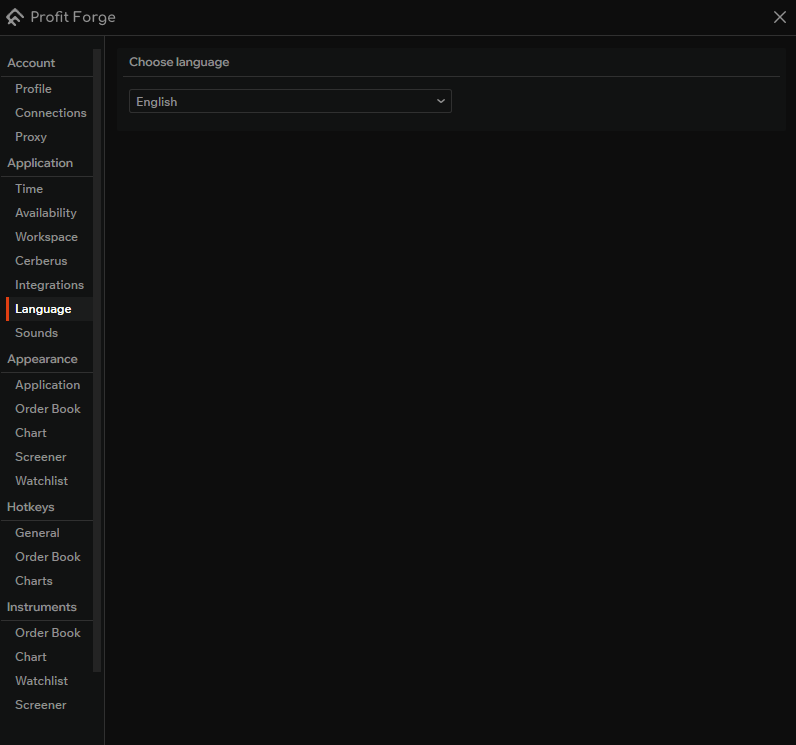
In Application → Language you can choose the interface language for the terminal. The dropdown lets you switch between English and Russian. Entire user interface will use the selected language.
How to set it
- Open settings and go to Language (under Application).
- Open the Choose language dropdown and select the language you want (e.g. English or Russian).
After changing the language, the interface updates to the new language.