
Sounds
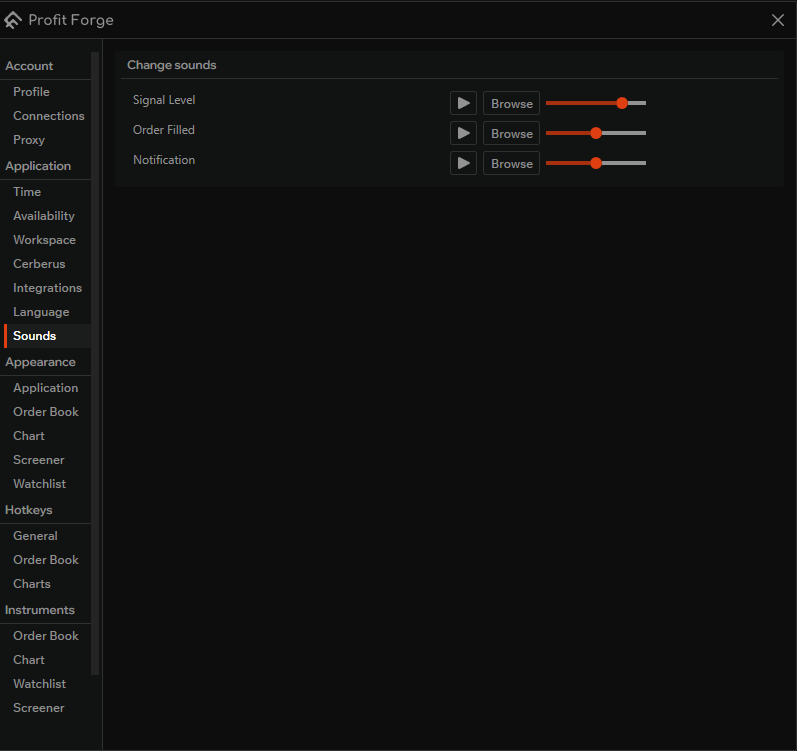
In Application → Sounds you can configure three alert sounds. For each sound you can adjust the volume, play it to test, and choose a custom sound file.
The three sounds
- Signal level — plays when signal level conditions are met.
- Order filled — plays when an order is executed.
- Notification — plays for general notifications.
For each sound the settings screen provides:
- Play — click the play button to hear the current sound.
- Browse (or Select) — choose a custom sound file to use instead of the default.
- Volume slider — set the volume for that sound.
Custom sounds
WARNING
Do not place custom sound files in the terminal installation folder, and do not give them the same names as the built-in sounds. The application may overwrite files in its folder when you update, so your custom sounds could be lost.
Store your custom sound files in a separate folder (for example, in your user profile or documents), and use names that differ from the default sound file names.