
Settings
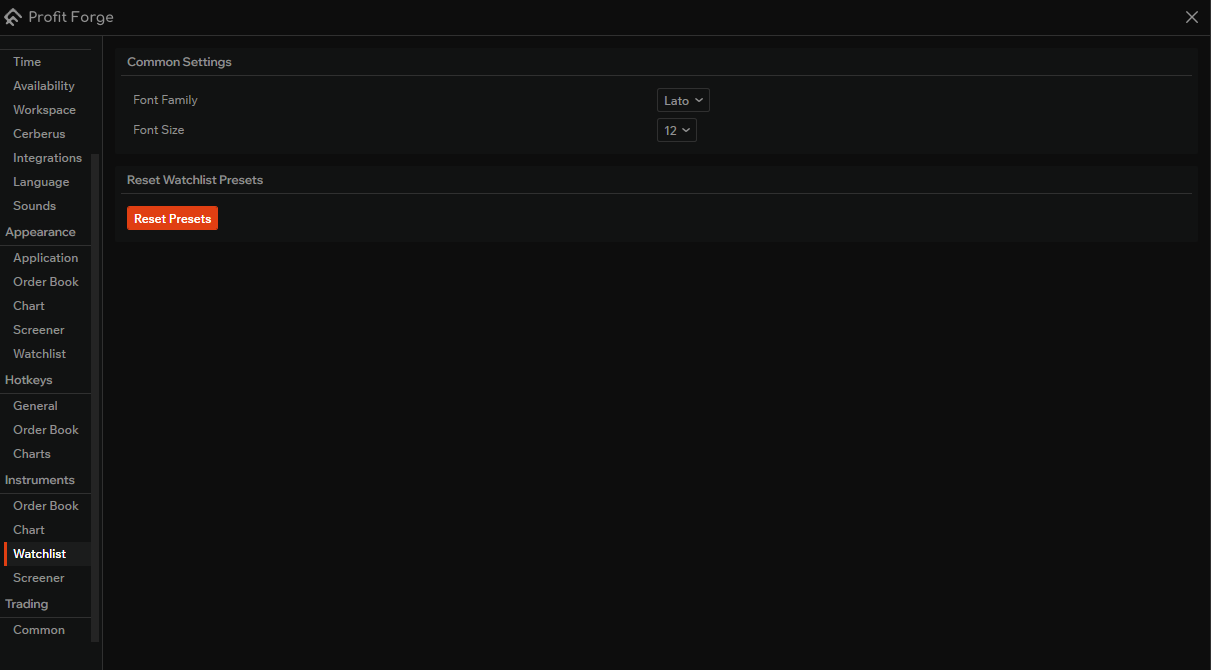
The Quotes tool has its own settings: you can change how the watchlist looks and reset all watchlist presets to the default state.
Style
This section controls the appearance of the watchlist table.
- Font family — choose the font used for symbols, prices, and other values in the quotes table. Any font installed in Windows (including custom fonts) can be selected.
- Font size — choose the font size for the quotes table. This affects readability and how many rows fit on screen.
Reset watchlist presets
This section contains a single action that affects all your watchlist presets.
- Reset watchlist presets — resets all watchlist lists to the default state: all current lists are removed and one new empty list is created. Use this when you want to clear all saved lists and start over. At least one list always remains after the reset.