Workspace
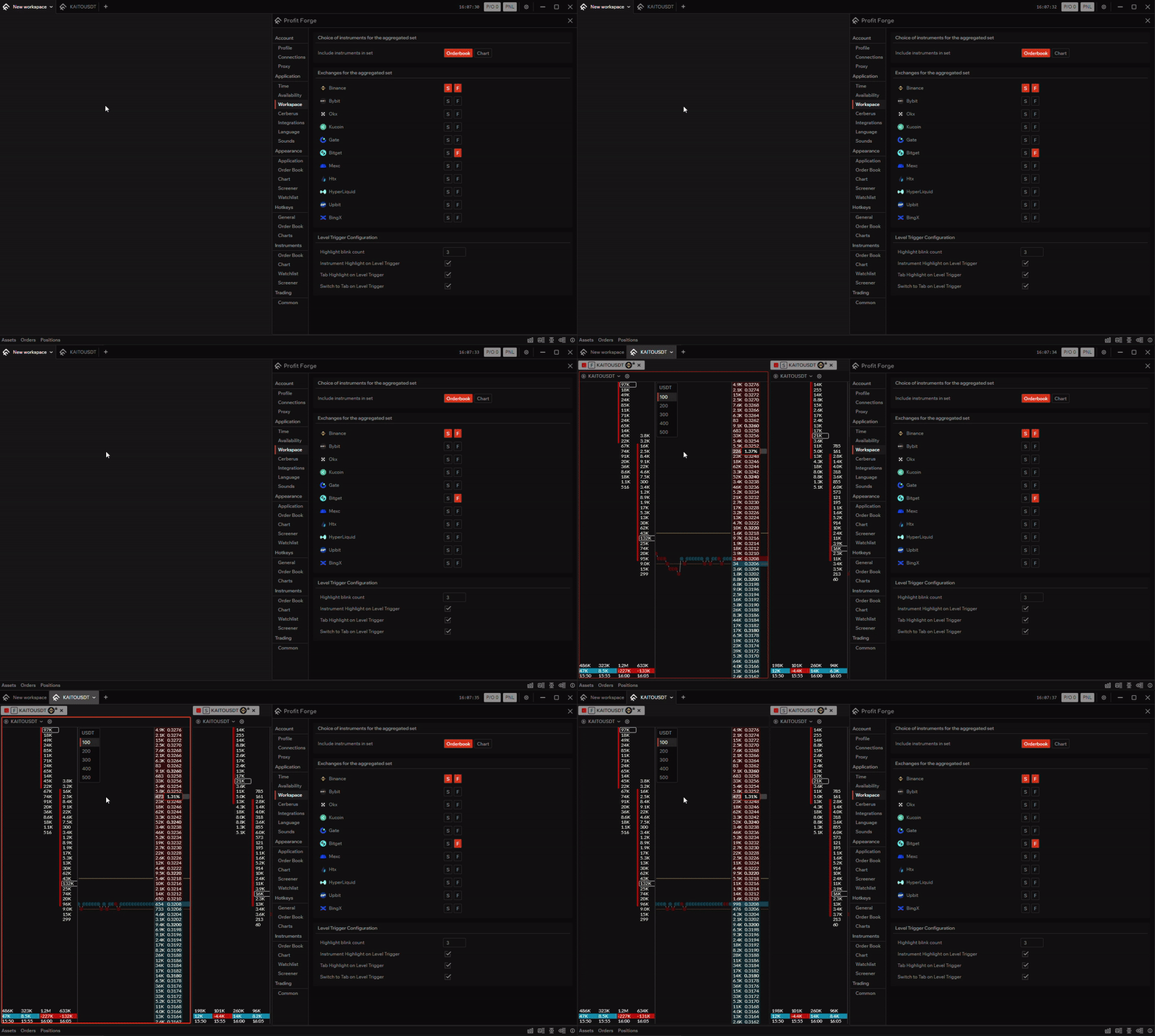
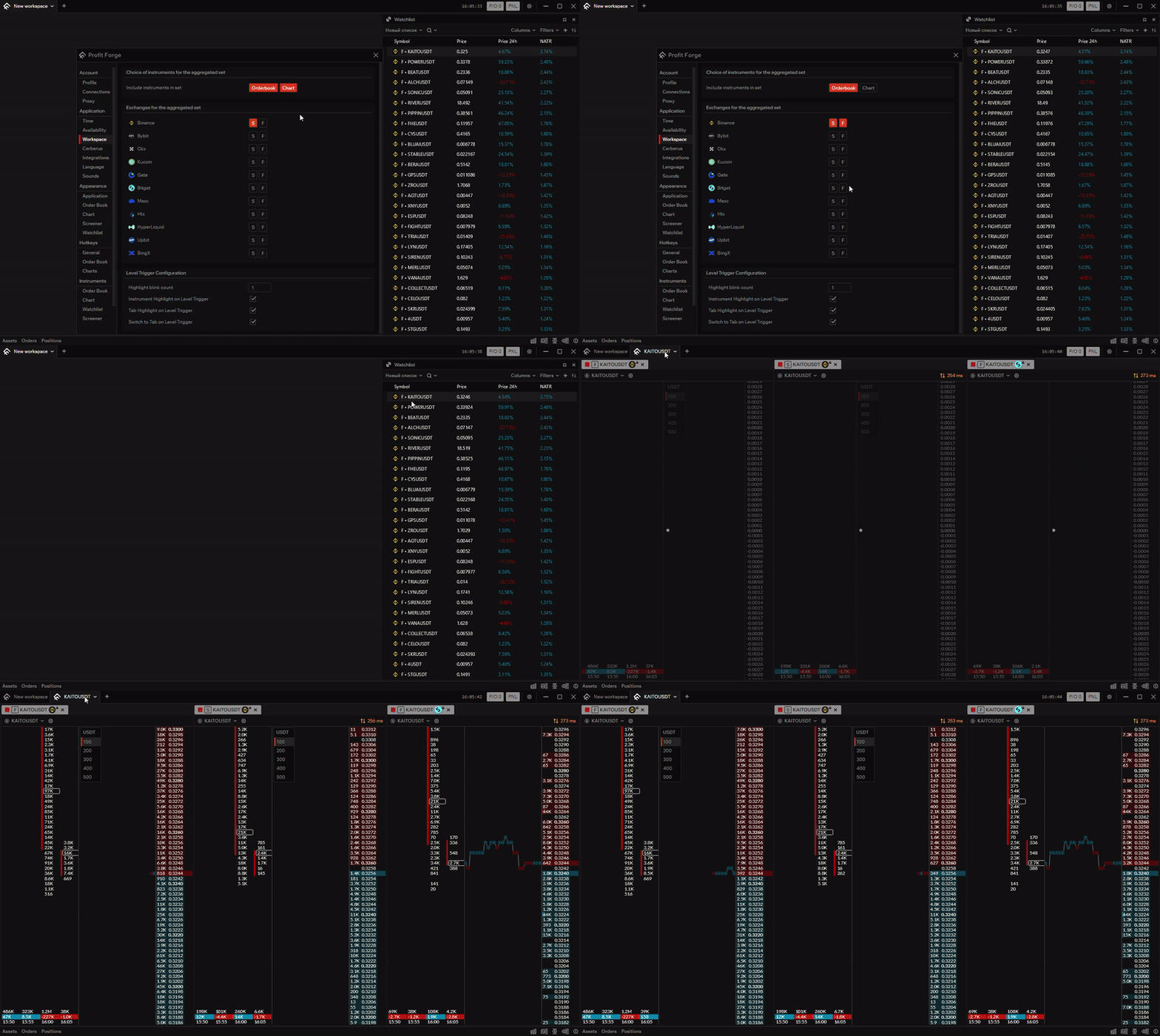
In Application → Workspace you configure which tools and exchanges open in the aggregated set, and how the app behaves when signal or density levels trigger (highlighting and switching to the workspace tab).
Tools for aggregated set
This section lets you choose which tools are included when opening the aggregated set:
- Order Book — include order book per pair.
- Chart — include chart per pair.
You can enable one or both. If only one is selected, that tool opens for each pair; if both are selected, both open for each pair.
Exchanges for aggregated set
Here you choose which exchanges (and market types) are included in the aggregated set. Each exchange has two toggles:
- S — Spot.
- F — Futures.
Turn on the exchanges and market types you want to open in the set. Only the selected combinations will be used.
TIP
If a pair is not available on an exchange or market type, that pair is ignored and opens only where it exists.
Level triggering
These options control what happens when a signal level or a density-change level triggers:
Number of highlight blinks
How many times the tab or the instrument outline blinks when a level triggers.
Highlight instrument on level trigger
When enabled, the instrument outline is highlighted when a signal level or a density-change level triggers.
Highlight tab on level trigger
When enabled, the workspace tab is highlighted (blinks) when a level triggers, in the same way as the instrument outline option above.
Switch to tab on level trigger
When enabled, the app switches to the workspace tab when a level triggers. This happens once per level trigger. If eternal levels are on (so the same level can trigger multiple times), the tab is opened or switched to only once for that level.